Data requests
Data Requests in Compliance Studio help you manage data subject access requests (DSARs) and support requests from parents and families. Privacy regulations such as GDPR and COPPA give parents and guardians the right to request access to, deletion of, or corrections to their child's data. This section provides tools to view, manage, and resolve these requests.
Role requirement
This page is accessible to Owner and Admin roles only. It's hidden from Member, Knowledge, Customer Support, and Developer roles.
What are data requests
Parents and guardians can submit requests through the Family Portal (Family Connect) when they need to exercise their data rights on behalf of their children. There are two types of requests:
- Data Subject Access Requests (DSARs) -- Formal requests to exercise specific data rights such as access, deletion, correction, portability, or objection to processing
- Support requests -- General inquiries from parents or guardians about their child's data or account
Requests are scoped to your organization's products. You are responsible for fulfilling these requests in accordance with the applicable regulations for each jurisdiction.
Viewing requests
Navigate to Requests in the sidebar to access the requests dashboard. The requests table displays all incoming requests with columns for type, status, date submitted, and details.
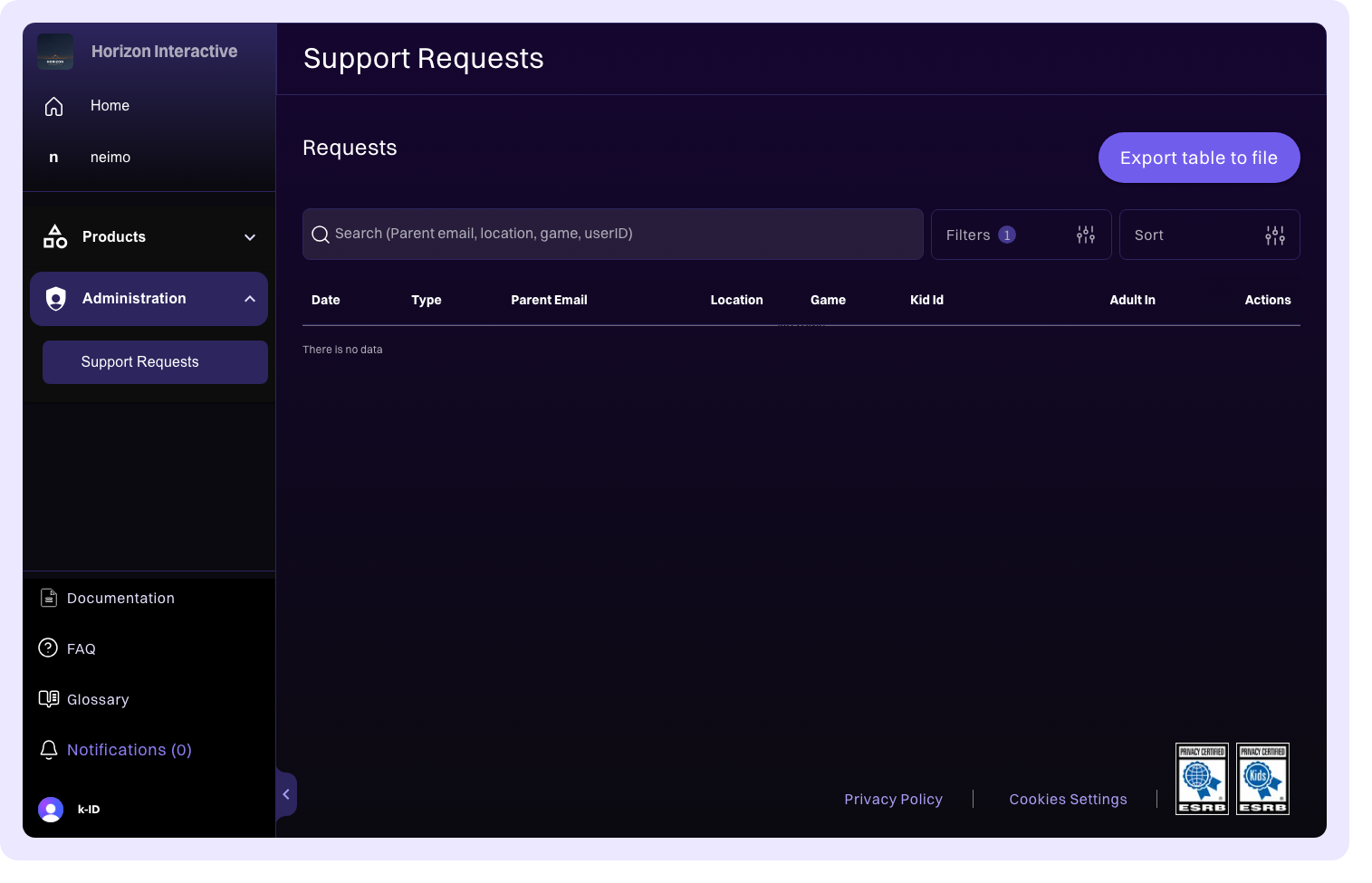
Filtering and sorting
Use the available filters to narrow down the requests list:
- Search -- Filter requests by keyword to find specific entries
- Filter by type -- Show only DSARs, only support requests, or all request types
- Filter by resolution status -- Show resolved, unresolved, or all requests
- Sort by date -- Order requests by newest first or oldest first
Request details
Click any request to view its full details. For DSARs, the detail view shows which specific data right is being exercised:
| Right | Description |
|---|---|
| Deletion | Right to erasure -- the requester wants their child's data deleted |
| Access | Right to access -- the requester wants a copy of their child's data |
| Correction | Right to rectification -- the requester wants inaccurate data corrected |
| Portability | Right to data portability -- the requester wants data in a portable format |
| Objection | Right to object to processing -- the requester objects to specific data processing |
The detail view also includes requester information, the date the request was submitted, and any additional context provided by the requester.
Resolving requests
After you've fulfilled a request, mark it as resolved to track completion. You can also:
- Unresolve a request if further action is needed after initial resolution
- Delete requests that are invalid or duplicates
- Copy a shareable link to a specific request for team collaboration
Exporting requests
Export your requests as JSON for record-keeping and audit purposes. The export includes all request data, status, and resolution history.
Use exports to support compliance audits, generate reports for your legal team, or maintain an independent record of how data rights requests were handled.