Product policies
Product Policies let you define a shared compliance configuration once and apply it across multiple products. This is especially useful for organizations with many products that share similar compliance requirements, ensuring consistency and reducing the effort of maintaining individual product configurations.
Controlled feature
Product Policies is a controlled feature, gated by an organization-level setting that only k-ID can grant. If it isn't enabled for your organization, contact your k-ID account representative or reach out to k-ID to request access.
What are product policies
A policy is a reusable set of compliance settings that covers product access, permissions, engine overrides, verification methods, and parental preferences. Rather than configuring each product individually, you define these settings once in a policy and attach it to as many products as you need.
Key characteristics:
- One policy can be attached to many products
- Each product can only have one policy at a time
- When a policy is attached, the covered settings become read-only on the product (with partial editability for permissions)
- Policies help ensure consistency across your product portfolio and reduce configuration drift
Creating a policy
-
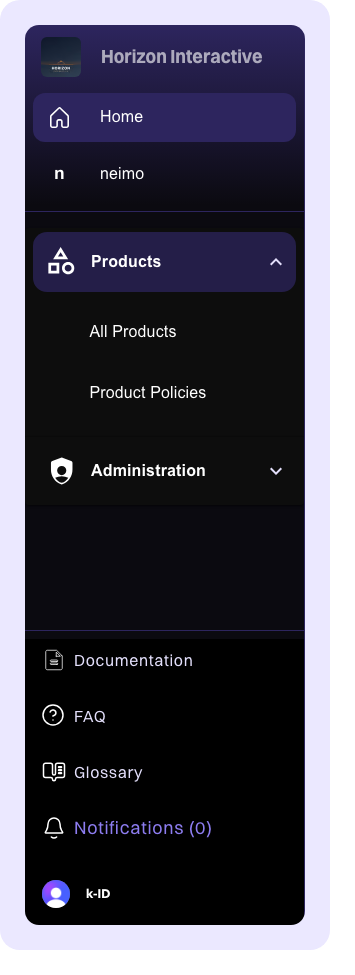
In the left sidebar, click Policies to navigate to the policies section.
-
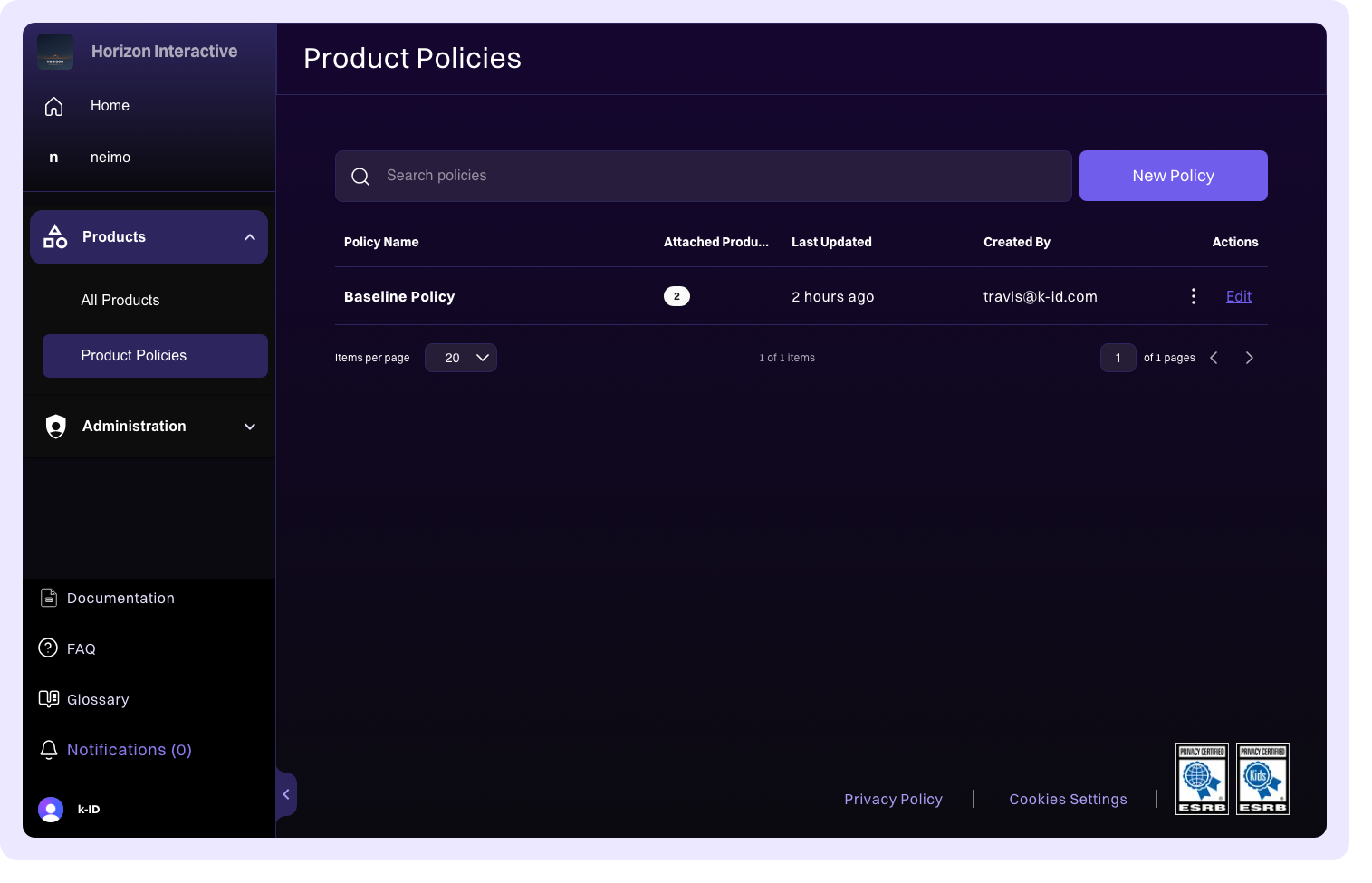
Click Create Policy in the upper-right corner.
-
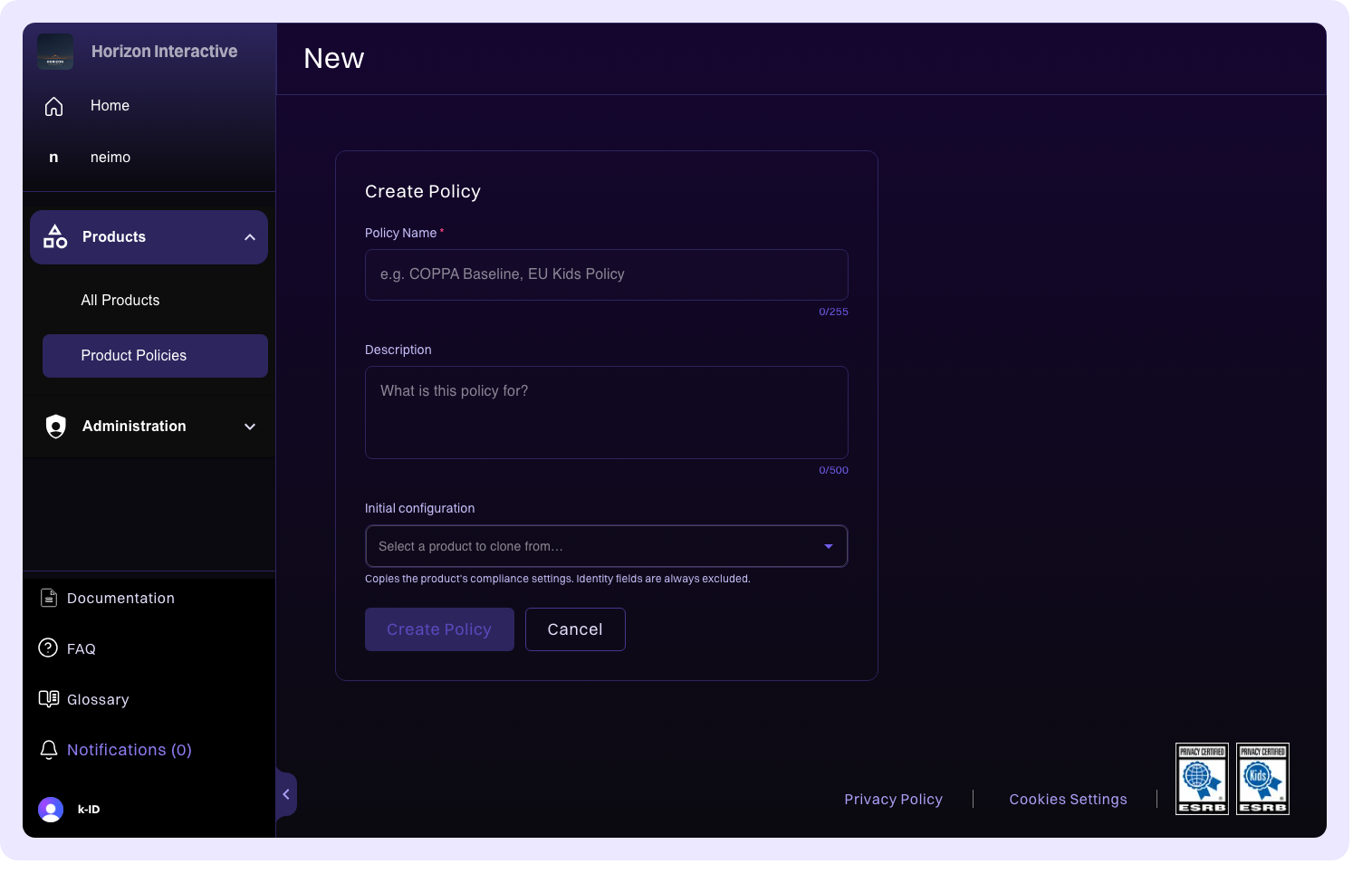
Enter a name and description for the policy. Choose a name that reflects the shared compliance profile, for example, "US COPPA Standard" or "EU Kids Games Policy."
-
Configure the policy settings across the available tabs:
- Product Access: define age-based access rules
- Permissions: configure feature permissions
- Parental Preferences: set trusted adult and parental consent preferences
- Engine & Overrides: configure Global Compliance Engine behavior and jurisdiction overrides
- Verification: set up Age Assurance, Age Appeal, Trusted Adult, and Parental Consent verification methods
-
Optionally attach the policy to one or more products during creation.
Attaching a policy to a product
From the product edit page, use the Policy Selector to choose a policy.
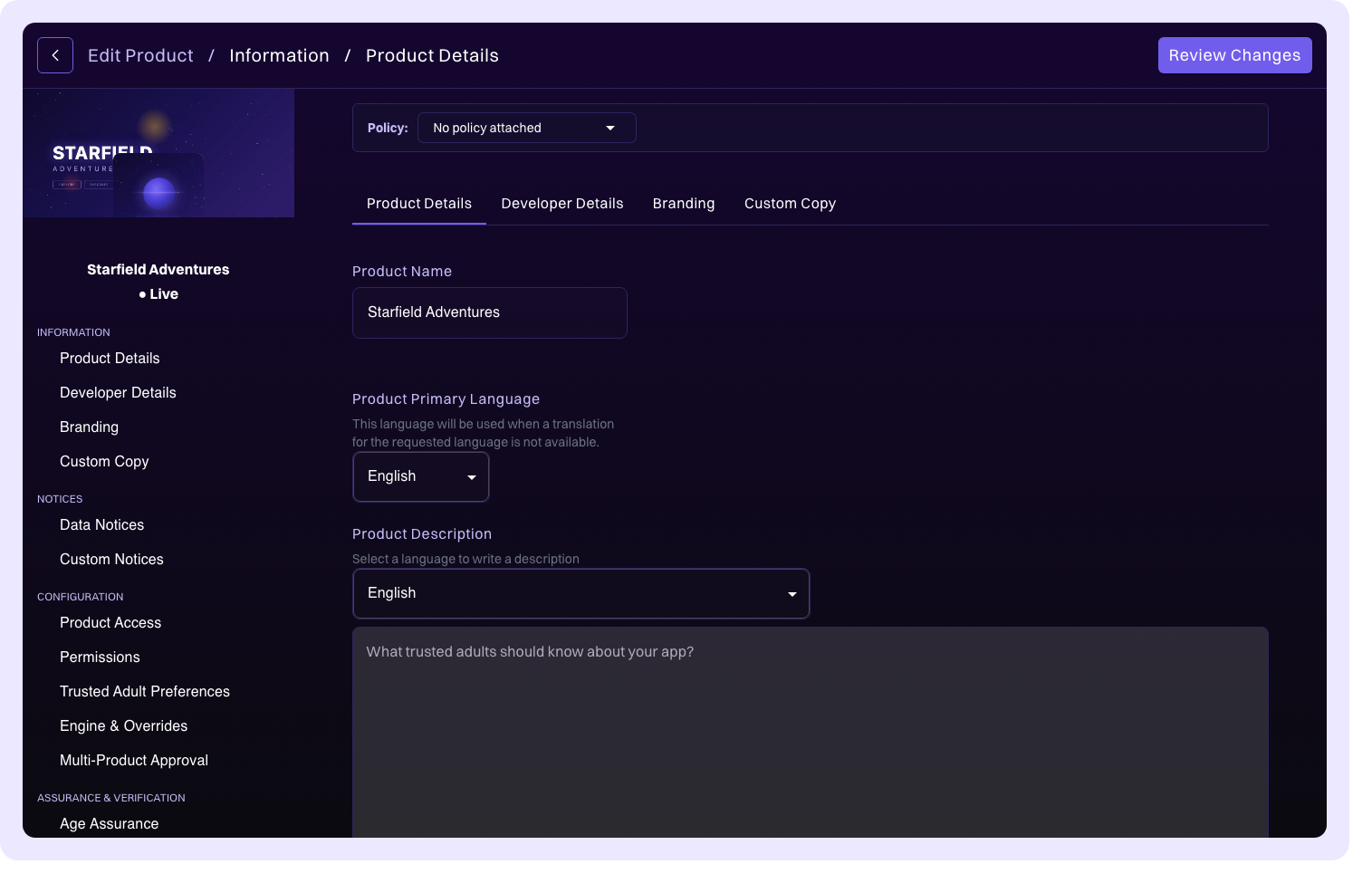
When you select a policy, a diff modal is displayed showing what changes when the policy is applied. Review the differences carefully before confirming.
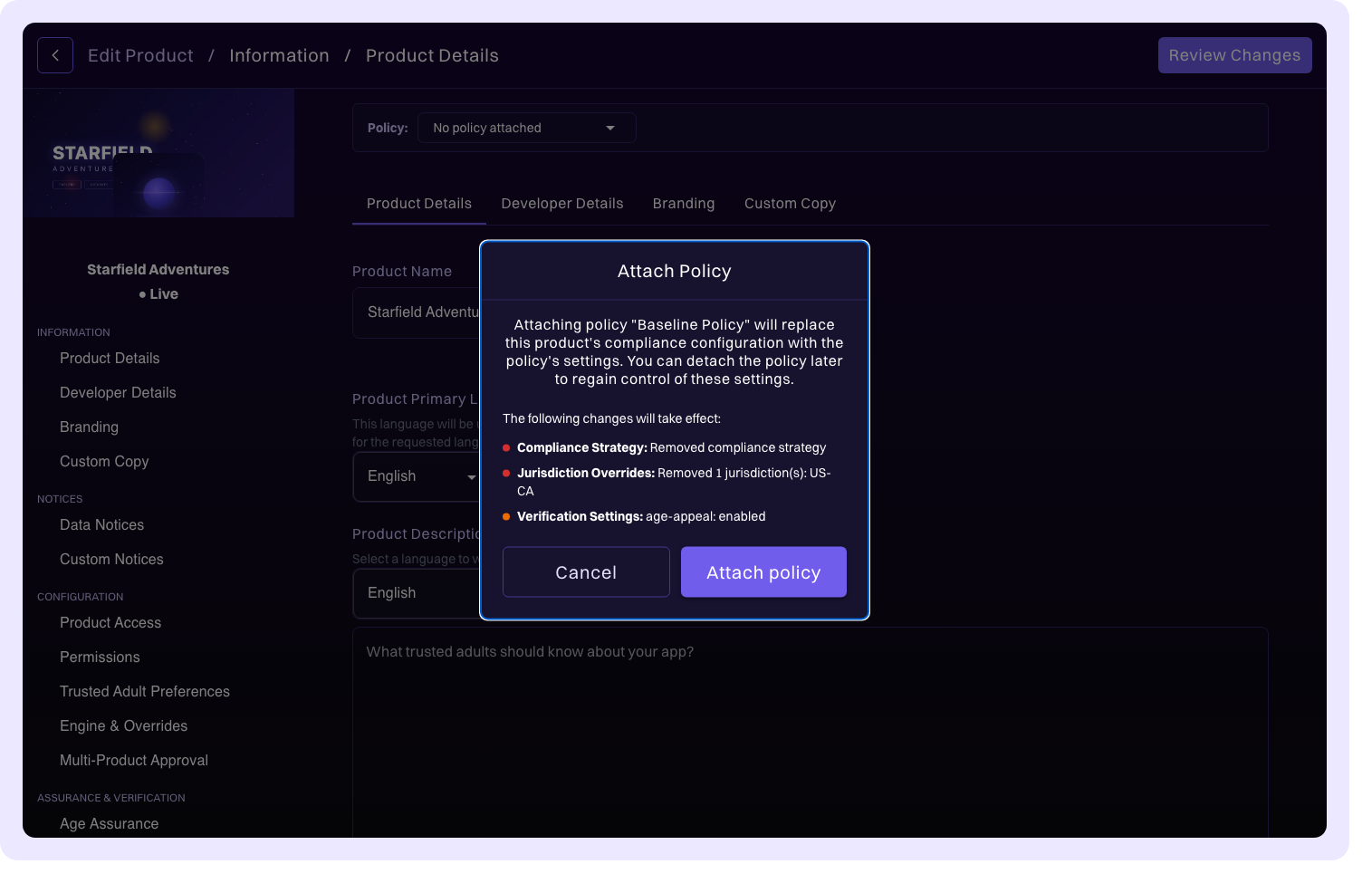
Once a policy is attached:
| Configuration area | Editability |
|---|---|
| Product Access | Read-only (managed by policy) |
| Engine & Overrides | Read-only (managed by policy) |
| Verification | Read-only (managed by policy) |
| Permissions | Partially editable; policy-defined permissions are managed by the policy, but you can add product-specific permissions |
You can switch to a different policy at any time by selecting a new one from the Policy Selector.
How policy application works
When a policy is applied to a product, the policy's configuration overwrites the product's compliance settings for most areas. The key exception is permissions, which use a merge strategy.
Application rule
For Product Access, Engine & Overrides, and Verification, the policy fully overwrites the product's configuration. The product's previous values for these areas are replaced.
Permissions merge strategy
Permissions use a merge approach: permissions defined in the policy are managed by the policy and can't be edited at the product level. However, you can still add product-specific permissions that exist alongside the policy-managed ones.
When changes take effect
Policy changes don't take effect immediately for end users. Changes are applied when you push to test or push to live, following the same staging workflow as direct product configuration changes.
Policy drift
Drift occurs when a policy is updated but one or more attached products haven't yet received the latest configuration. This can happen when someone edits the policy but hasn't pushed the changes to the attached products.
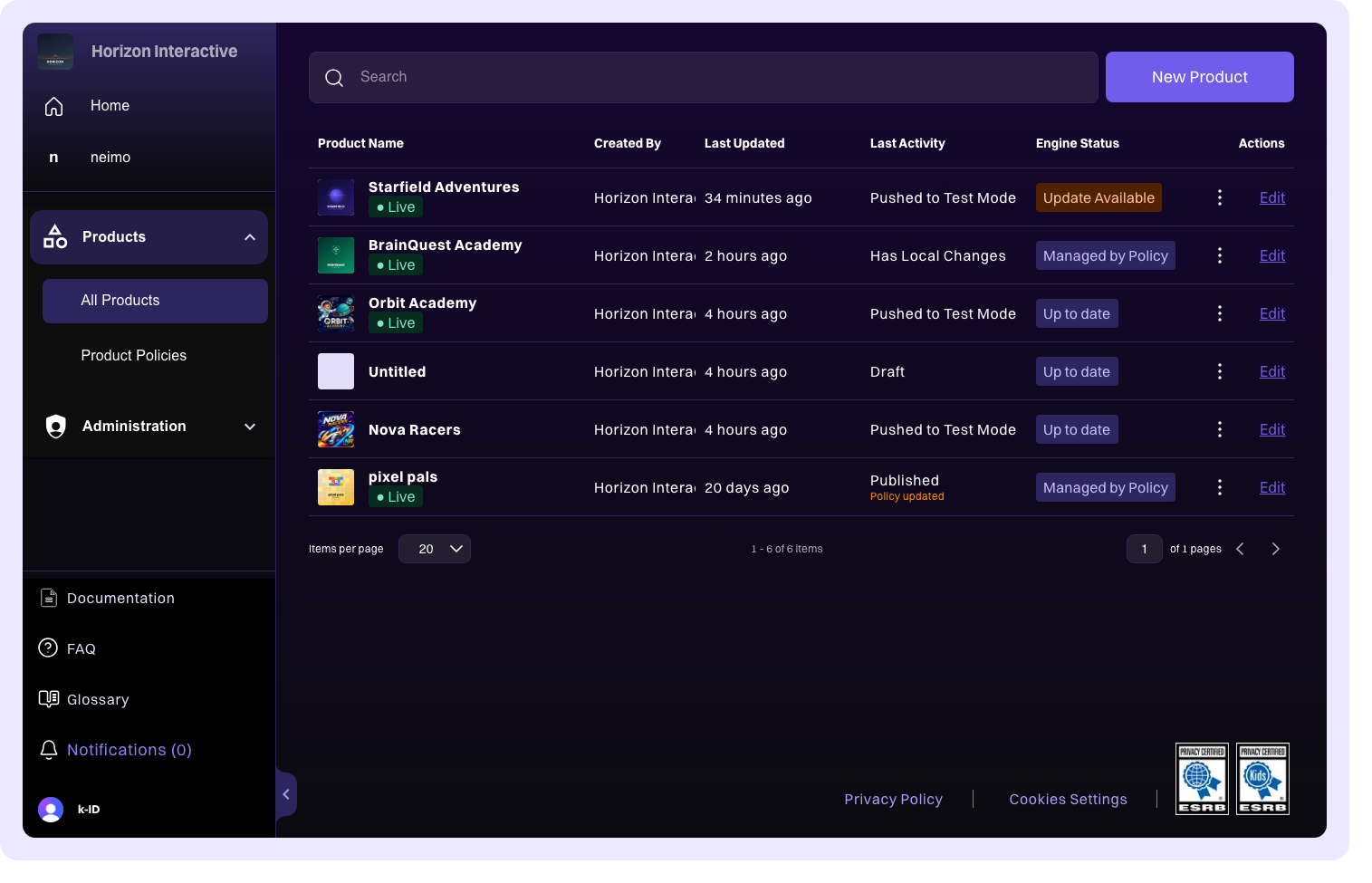
Compliance Studio detects drift and shows indicators on affected products. To resolve drift:
- Navigate to the affected product
- Review the pending policy changes
- Accept the update to align the product with the current policy
Detaching a policy
When you detach a policy from a product:
- The current configuration is copied to the product as editable values
- All fields become directly editable again
- The product retains the configuration it had while the policy was attached, so nothing is lost
You can re-attach the same policy or a different one at any time.
Policy engine updates
When the Global Compliance Engine is updated with new regulatory requirements, both policies and directly configured products might need to accept the updates.
For products with an attached policy, the engine update might need to be accepted at the policy level first. Once the policy accepts the engine update, the changes flow down to all attached products. This ensures that the policy remains the single source of truth and that all attached products stay in sync.