Data notices
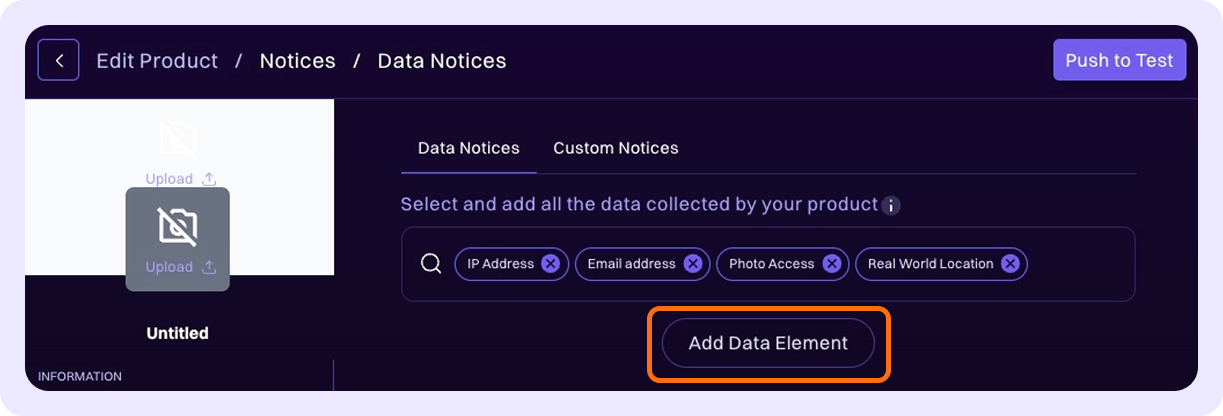
To create Data Notices for your product, select all relevant data elements from the dropdown list. Relevant data elements refer to all the data that's collected, used, or processed by your product. These data elements are displayed to parents in Family Connect.
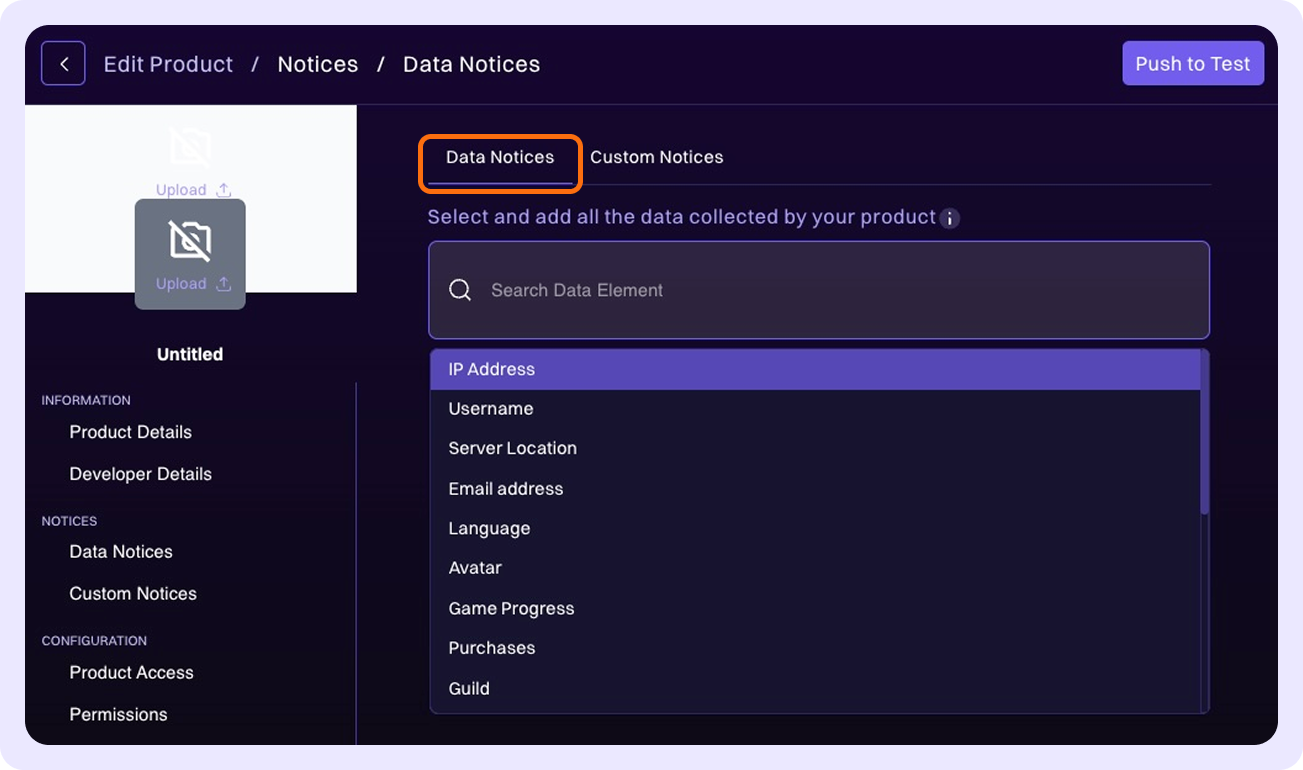
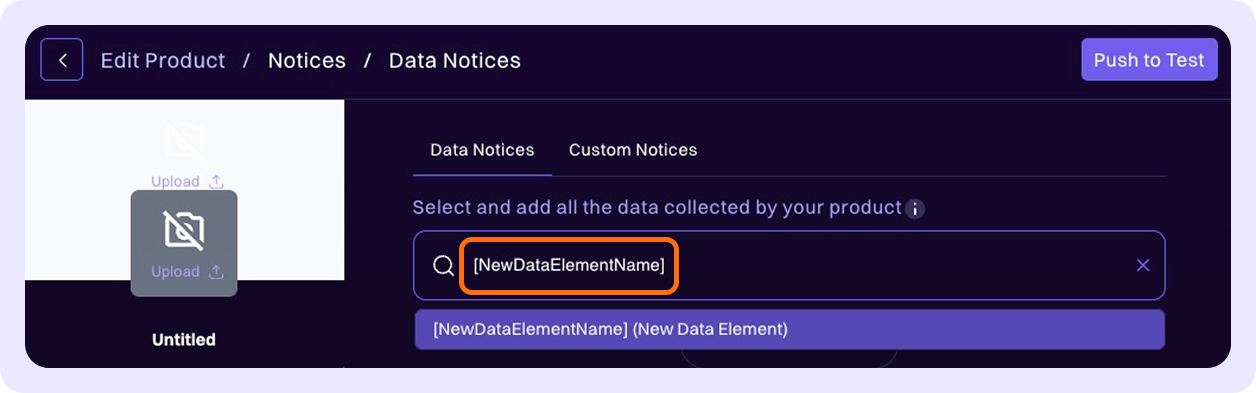
If your product collects data elements that aren't in the dropdown list, you can create a new data element by typing the name of the new data element in the search bar.
When you have added all relevant data elements, click Add Data Element to confirm your selection.