Custom notices
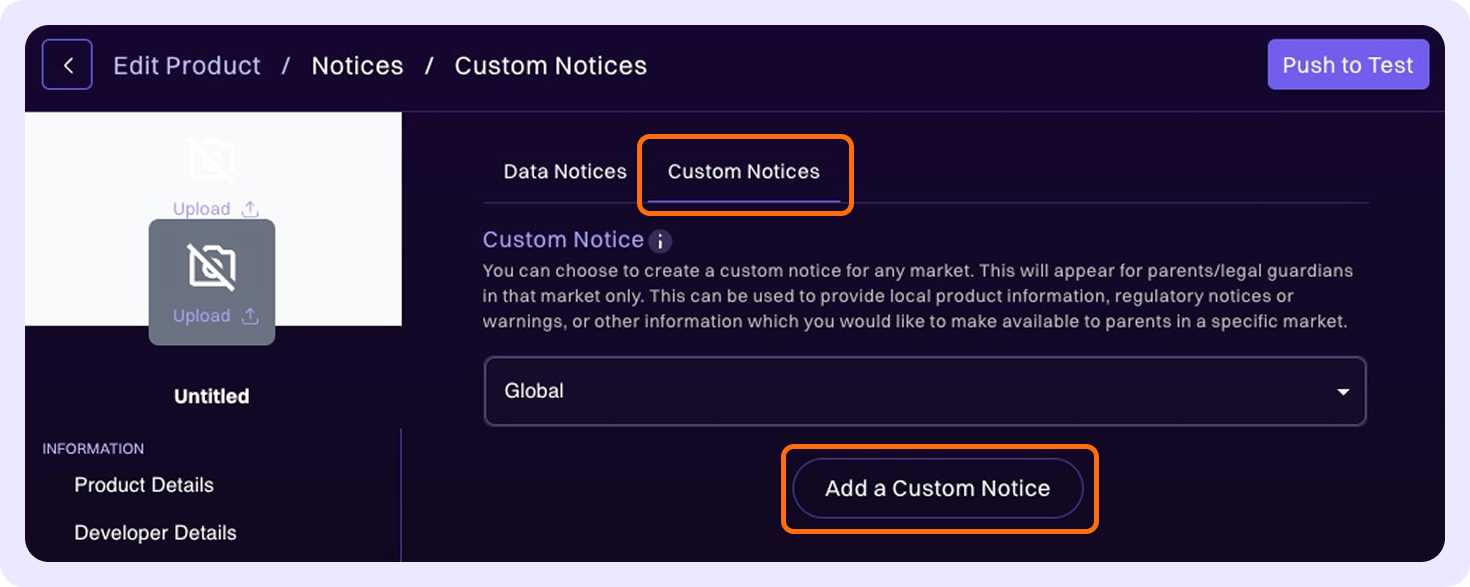
To create a Custom Notice for your product, select the relevant market from the dropdown menu. The default selection is Global. Once you have made your selection, click Add a Custom Notice.
You can use custom notices to provide market-specific product information, regulatory notices or warnings, or any other relevant details to parents.
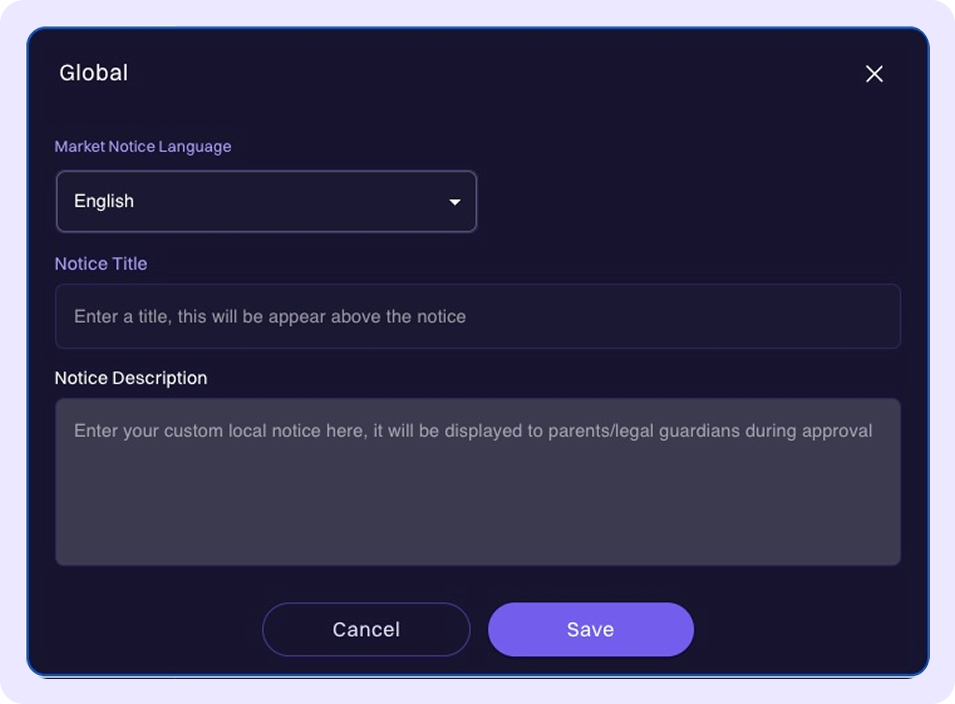
Next, complete the required information in the window, including the notice's language, title, and description. Click Save.